Professional headshot online

Create a professional headshot online for your work profile.

Not every work profile needs the same image. ProfileReady can create LinkedIn-style headshots, corporate headshot AI portraits, founder bios, doctor profiles, lawyer portraits, and other professional looks from a short selfie upload.

$9.956 generated options so you can choose your favorite.
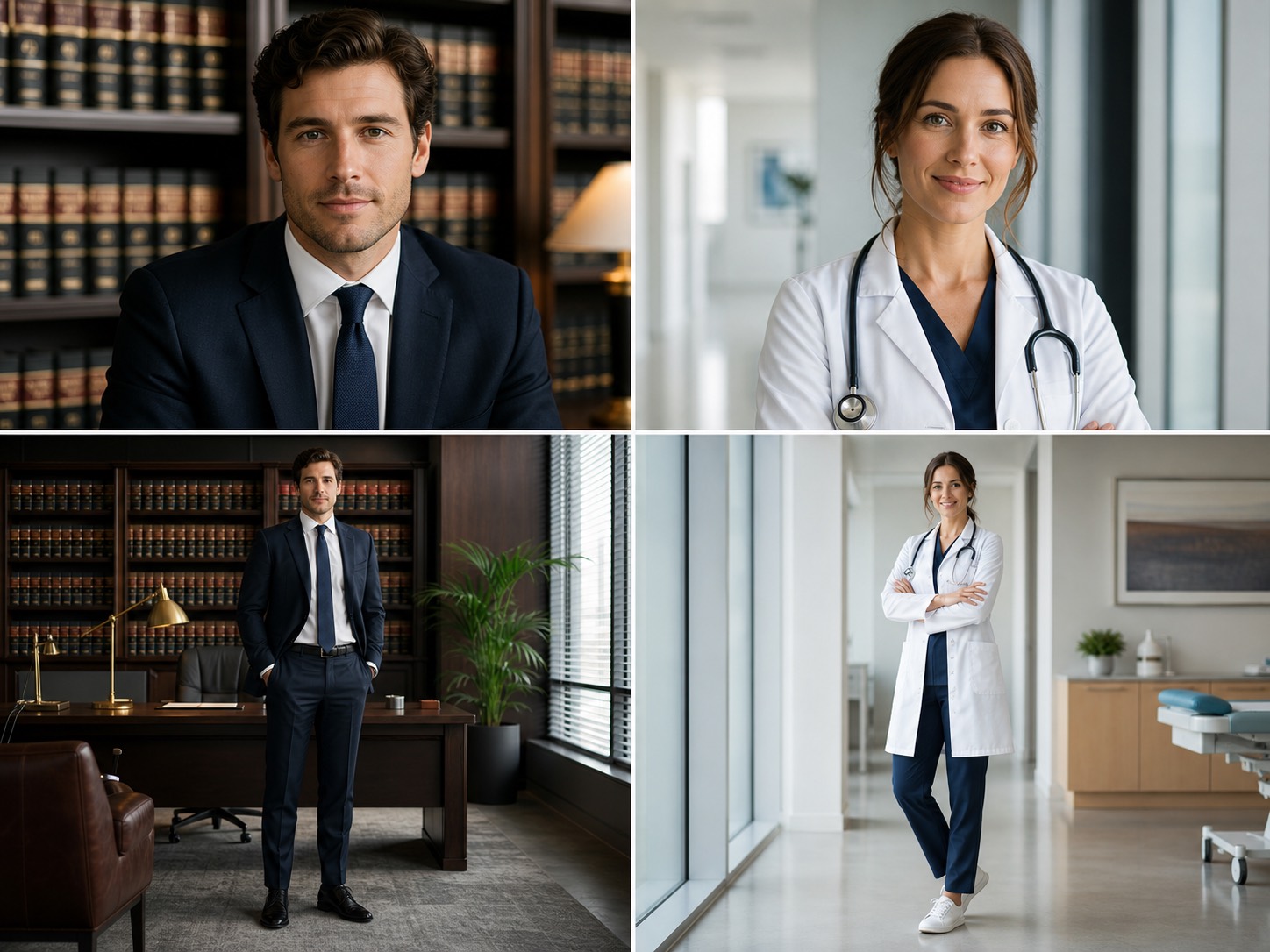
AI professional headshot examples for business, lawyer, and doctor profile photos
For LinkedIn, resumes, founders, doctors, lawyers, and speakers
Create a professional headshot online without booking a photographer
Six options so you can choose the most credible result

What this page helps you create

The goal is not to generate random portraits. It is to create a focused profile photo set for one real use case.

Different professions need different trust cues

A doctor profile should feel calm and hygienic. A lawyer portrait should feel composed and credible. A founder bio can be warmer and more editorial. A corporate headshot AI workflow should respect these differences instead of making every person look identical.

Headshots and upper-body portraits

The generated set can include clean headshots, executive-style upper-body portraits, and professional website images that are useful beyond a single social profile.

A practical way to create a professional headshot online

For many early-stage websites, resumes, and online profiles, AI professional headshots are a fast way to get a presentable image before investing in a full photoshoot.

Why the price difference matters

Traditional U.S. headshot sessions can cost around $250 or more before you even choose a final image. ProfileReady gives you six generated professional options at a much lower launch price, so you can choose the one that fits your profile best.
Simple upload flow

Start with selfies you already have.

Upload 3-6 clear selfies, choose the profile goal, then generate a private result set. No prompt writing, no studio booking, and no complicated editor.

1Upload your best selfiesUse photos where your face is sharp, recent, and well lit. Avoid group shots and heavy filters.
2Choose a professional goalSelect Professional Headshot to generate work-ready images with credible styling.
3Pick the strongest resultUse the photo that best matches your role, industry, and profile context.

Common questions

Can this make corporate headshot AI photos?

Yes. The professional workflow can create corporate headshot AI-style portraits for company pages, LinkedIn, resumes, and business profile pages.

Can this make doctor or lawyer profile photos?

Yes. The professional prompt set includes occupation-specific directions such as doctor, lawyer, founder, executive, and speaker-style portraits.

Will the background look fake?

The prompts ask for believable lighting, realistic background depth, and consistent perspective to reduce pasted-on or green-screen effects.

How many photos do I get?

The current flow generates six professional photo options so you can choose the one that best fits your profile.

Private result link

Ready to generate your profile-ready photos?

Use clear selfies you already like. Better source photos give the model a better chance of creating a result you will actually use.

Upload selfies